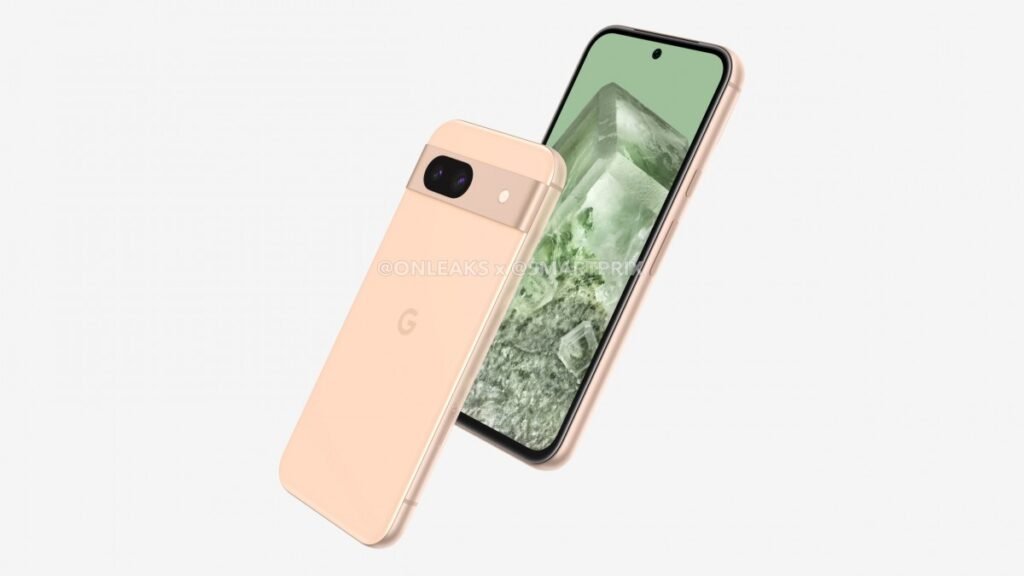
Pixel 8a Hands-On: 5 Features to Love, 3 to Reconsider – In-depth Impressions
This year is no exception, and I think it’ll be compared quite fairly to the Google Pixel 8 because Google has found itself in a bit of a strange situation here. However, when looked at independently as an upgrade from last year’s Pixel 7A, there are things I really like about the Pixel 8A and some aspects that I’m still on the fence about. This video is sponsored by the Cook Tech 20 power bank, which is a beautifully designed power bank that we’ll discuss more later on.
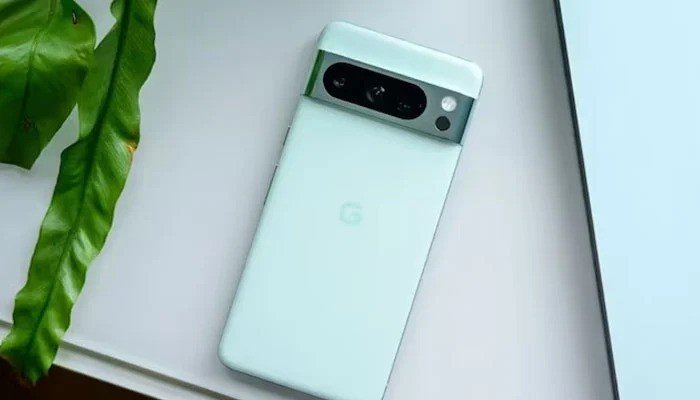
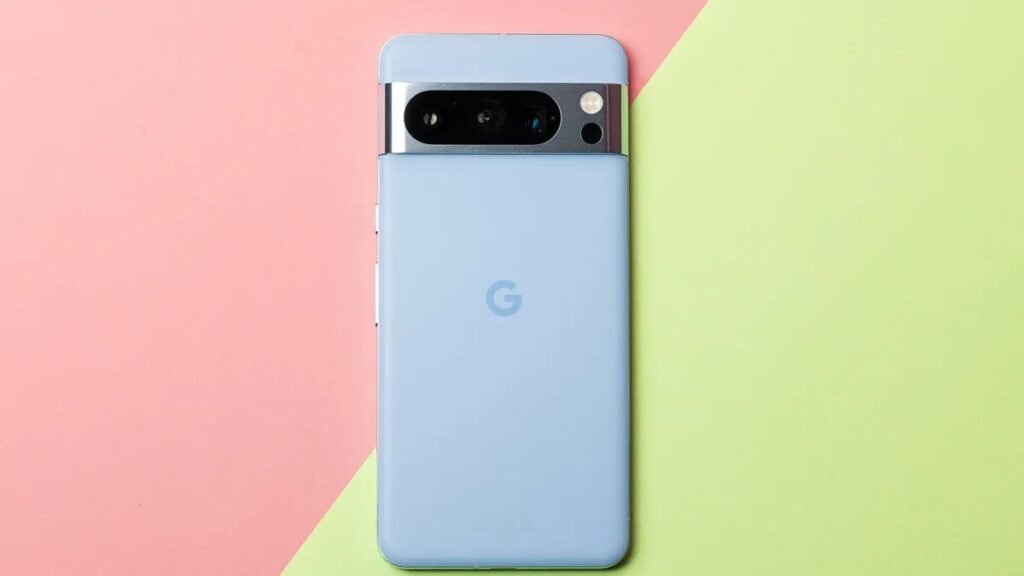
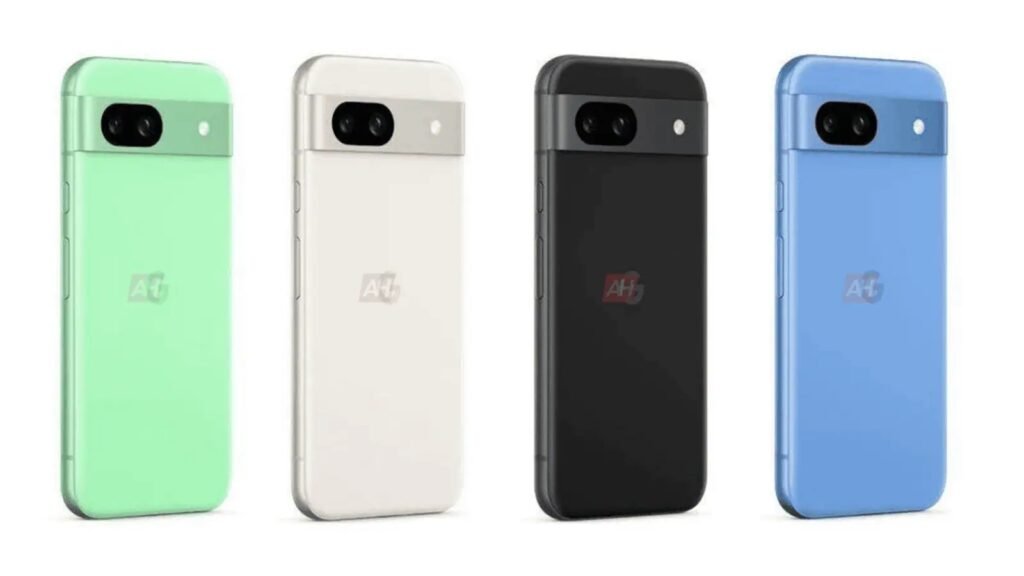
Let me tell you about some of the upgrades I loved in last year’s Pixel 7A. And this year, there are some seriously cool improvements. First up is the design, which I’m really excited about. I’m so glad they’ve ditched the glossy back this time around. Personally, I can’t stand glossy finishes, so I’m thrilled that this year’s model has a matte texture on its plastic back. It feels surprisingly premium for plastic. The “bay blue” color option on the Pixel 8A is way more vibrant than the one on the Pixel 8 Pro, and I’m totally here for it. The design is more rounded compared to last year’s 7A, making it much nicer to hold. It’s clear that the Pixel 8A is like the big brother of the Pixel 8 – at first glance, you might struggle to spot the differences. But if you look closely, you’ll see that the Pixel 8A feels a bit more rounded, which I’m totally okay with. However, the bezels on the Pixel 8A are still pretty chunky. Even though Google claims they’ve shrunk compared to the 7A, you can hardly tell with the naked eye. At first, they do stick out, but after using the phone for a few days, you kind of get used to them, and they’re not really a big deal anymore. I guess the bezels are just Google’s way of letting you know that this is their more budget-friendly series.
I’m really loving the display on this year’s phone for a couple of reasons. First off, it’s now running at 120 Hz, which is a noticeable upgrade from last year’s 90 Hz on the Pixel 7A. It’s a subtle change, and I get that not everyone might realize it’s off by default and needs to be manually activated in settings. But trust me, once you experience that smoothness, you won’t want to go back. In my opinion, 120 Hz should be the standard for all phones nowadays.
Another thing that caught my attention is the brightness. The screen now peaks at 2,000 nits, which is 40% brighter than the Pixel 7A. Living in the UK, where it’s often overcast, I didn’t used to pay much attention to brightness. But lately, with a few sunny days, I’ve really appreciated the ability to see my screen clearly even in direct sunlight.
Now, onto the not-so-great stuff. The battery life got a modest upgrade, with a 100 mAh bump taking it just under 5,000 mAh. It’s bigger than last year’s model, sure, but it’s not a game-changer. Still, in my few days of using the Pixel 8A, it’s held up pretty well. It easily lasts a day with some juice left, though it does tend to dip to around 10% by the end of the day.
One thing about the Pixel that really bugs me is how slow it charges. It feels like it takes forever, even though it’s just 18W wired charging, the same as the Pixel 7A. But honestly, I think this is more of a common issue with Pixels overall rather than just the 8A. And don’t even get me started on the snail’s pace of 7.5W wireless charging. Sure, it’s nice to have, but at this rate, I’d rather just stick to plugging it in.
Now, if you’re someone who’s always on the go and needs a reliable power bank for your Pixel 8A, I’d recommend checking out the Cook Tech 20 power bank. It’s got a whopping 25,000 mAh capacity and it’s even safe for airplane travel, so you can take it wherever you need to go. Plus, it’s got a sleek design and a TFT display that shows you all your important battery info, like percentage, current, and voltage – it looks pretty cool, too. And get this – it can charge itself up to 40% in just 19 minutes. If that sounds like something you could use, there’s a link in the description below where you can grab the Cook Tech 20 power bank for yourself.
The Pixel 8A this year brings a pretty sweet upgrade: the Tensor G3 chip. If you’re familiar, it’s the same powerhouse chip found in the Pixel 8 and Pixel 8 Pro, packing in cool AI features like Circles of Search, Call Assist, Magic Eraser, and the promise of Gemini Nano in future updates. For $499, you’re getting Google’s latest and greatest, which is pretty mind-blowing, honestly. Personally, I was thrilled to see the Face Unlock beefed up for security, similar to what we had on the Pixel 8 and Pixel 8 Pro. It’s now classified as a class 3 Face Unlock, adding an extra layer of security, especially for things like banking apps. Overall, it’s a solid upgrade that I’m genuinely happy about.
Now, onto the cameras. It’s a bit of a bummer that we’re still rocking the same ones from last year’s Pixel 7A. Don’t get me wrong, they’re good with a 64-megapixel main and a 30-megapixel ultra-wide lens, but I was kinda hoping for a bit more. That said, the pictures they produce are still top-notch, with awesome dynamic range, killer highlights and shadows, and that true-to-life vibe we’ve come to expect from Google Pixel phones. It’s still a photography champ, which is reassuring. And the video? Sharp as ever at 4K, and it seems like the stabilization has gotten even better, making for some seriously smooth footage. Overall, not too shabby, even if the camera upgrade wasn’t as big as we hoped.
While the Pixel 8A has a lot going for it, there’s one snag – its price. At $499, it sits in an awkward spot, too close to the Pixel 8, which often goes for just $50 more when on sale. For that slight difference, the Pixel 8 offers better value. If the Pixel 8A were priced at $399, it’d be a no-brainer, easily dominating its price range. But at $499, it’s a tough sell when the Pixel 8 is so close in price.
That said, upgrading from a 7A to an 8A is a significant step up, especially considering the promise of 7 years of security updates and OS updates, along with the upcoming Gemini Nano feature. For 7A users eyeing an upgrade, the Pixel 8A is a solid choice. However, as a standalone option, its appeal is dampened by its nearness in price to the Pixel 8.
I’m keen to hear your take on the Pixel 8A’s pricing and overall appeal. Do you think it’s worth it, or do you share my reservations? And don’t forget to subscribe to the Android Authority YouTube channel for more discussions like this. Your support means a lot, and we’re excited to bring you more content in the future!